Start with one general assistant, not five tabs.
Use ChatGPT or Claude when you need drafting, reasoning, editing, and everyday task support before buying a specialist tool.
AI directory for buyers and beginners
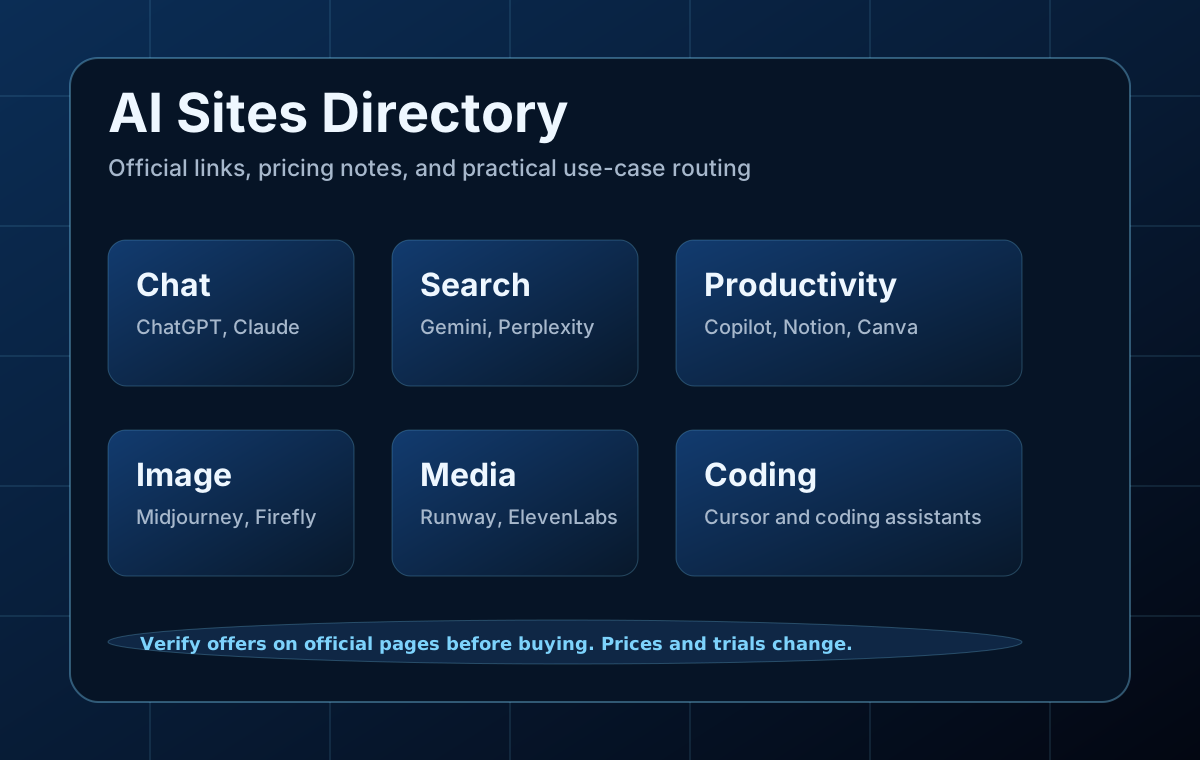
Use this page as a practical navigation board for mainstream AI tools. Each card includes the official website, pricing page, beginner use case, and a short note on current free plans, trials, or visible discounts.
Buying safely
AI pricing changes often. The notes below are useful for discovery, but the official pricing page is the source to check before buying a plan or writing an affiliate recommendation.
Editorial rule: do not present a temporary discount as guaranteed. Mark trial periods, student deals, and annual-plan discounts clearly, and update this page when official pages change.
Task-first routes
The strongest directories route readers by outcome first. These cards help a beginner move from "I need help" to the right tool family before touching a pricing page.
Use ChatGPT or Claude when you need drafting, reasoning, editing, and everyday task support before buying a specialist tool.
Perplexity and Gemini make more sense when citations, retrieval, and source review matter more than open-ended drafting.
Cursor and Copilot are useful only if the workflow keeps verification, tests, and scope under control.
Midjourney, Runway, and ElevenLabs are strongest when you know whether the job is visuals, motion, or narration before paying.
Directory
Each card links to the official site and official pricing page. This structure is useful for SEO because it combines navigation, comparison intent, and practical buying checks.
A general-purpose AI assistant for writing, coding help, file analysis, search, and multimodal work.
A strong writing and reasoning assistant with long-context workflows, coding support, and projects.
Google's AI plan ties Gemini into search, Gmail, Docs, Drive, and creative tools like Flow and Whisk.
Microsoft's consumer AI assistant with web, Windows, and Microsoft 365 workflow integration.
A search-first assistant focused on sources, research, citations, and quick comparison work.
An AI coding editor for spec-driven workflows, code changes, and agent-assisted development.
A leading image generator for stylized visuals, concept art, and controlled prompt variations.
An AI video and image platform for short clips, storyboards, motion tests, and creator workflows.
A popular voice and audio platform for narration, dubbing, transcription, and voice design.
A workspace that combines notes, docs, tasks, and AI features for planning and team coordination.
A design platform with AI tools for social graphics, brand kits, decks, and quick visual production.
Adobe's creative AI suite for image generation, video, audio, and design workflows.
Comparison routes
A directory becomes more useful when it points into real comparison intent. These are the pages that help readers avoid the wrong subscription instead of just opening more tabs.
Learn how to choose between the three major chatbots for daily work with a clear workflow, examples, and beginner mistakes to avoid.
Open comparisonLearn how to know when sources matter more than open-ended reasoning with a clear workflow, examples, and beginner mistakes to avoid.
Open comparisonLearn how to compare realism, text rendering, style control, and ease of use with a clear workflow, examples, and beginner mistakes to.
Open comparisonLearn how to compare cinematic clips, quick motion, and avatar videos with a clear workflow, examples, and beginner mistakes to avoid.
Open comparisonPre-buy guides
Directory traffic is stronger when it can hand users into deeper editorial pages. These guides turn a tool name into a workflow decision instead of a reflex purchase.
Learn how to choose a useful AI tool stack across chatbots, research, images, video, design, and productivity with a clear workflow,.
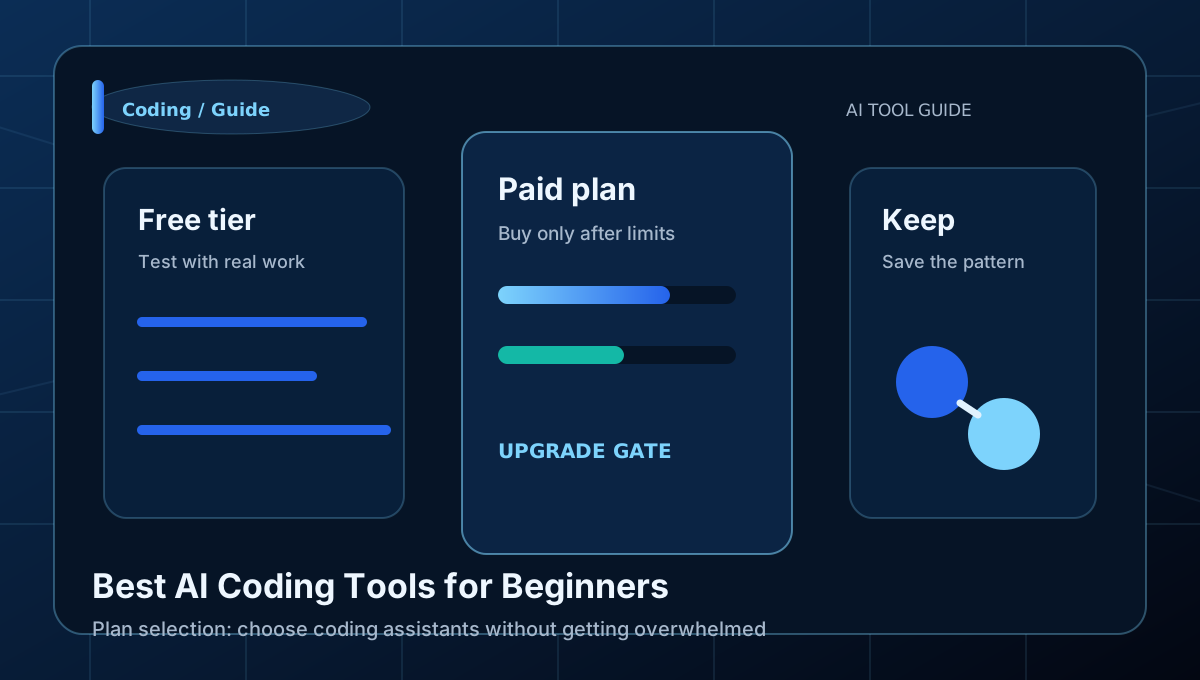
Learn how to choose coding assistants without getting overwhelmed with a clear workflow, examples, and beginner mistakes to avoid.
Learn how to choose an image tool for different visual jobs with a clear workflow, examples, and beginner mistakes to avoid.
Learn how to choose video tools by clip type and budget with a clear workflow, examples, and beginner mistakes to avoid.
How to use this directory
Start with the use case, not the famous name. Pick one tool, test the free plan or trial with a real task, then decide whether a paid plan removes a real limit.
When affiliate links are added, keep official links and disclosure visible. A useful directory explains pricing uncertainty, who should skip a tool, and what to verify before buying.