Browse by writing, research, image, video, productivity, or coding to reach the right tool family faster.
AI tools for beginners and creators
Pick the right AI tool, then put it to work.
AI Tool Compass helps readers choose useful AI tools, compare plans before paying, and move straight into practical workflows for writing, research, image generation, video, productivity, and coding.
215 practical guides
12 top AI sites tracked
10 task-focused clusters
4 fresh signal stories featured
Check free tiers, workflow fit, output quality, and beginner risk before you treat pricing pages like proof.
Use creator workflows for visuals, short video, audio, and writing systems that can actually ship content.
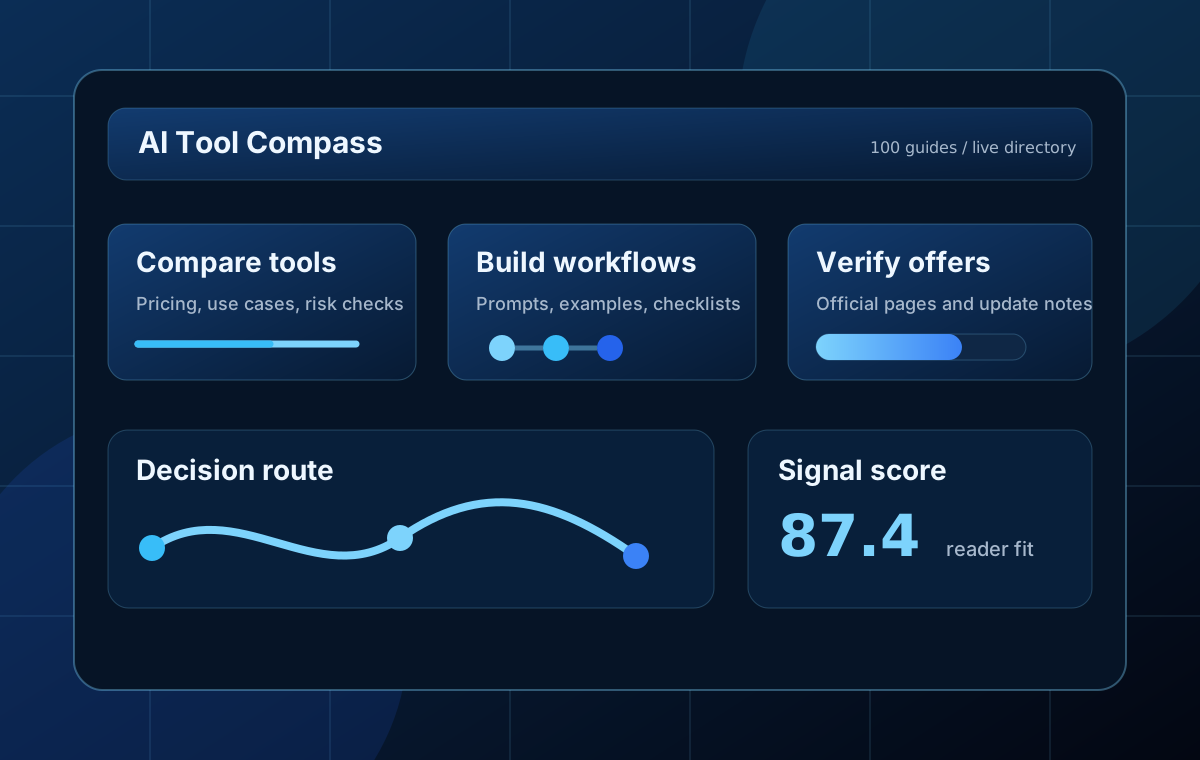
215 long-form guides built around real search intent, not thin keyword padding
12 mainstream AI tools tracked with official links and pricing checkpoints
10 content clusters covering beginner tasks and creator workflows
4 current AI signals surfaced on the homepage for return visits
Start here
Choose the fastest path into the site.
This homepage is built for first-time visitors who want immediate direction: find a tool, copy a workflow, compare plans, or catch up on what changed this week.
I need the right AI tool first
Start with the directory, then move into one beginner guide instead of opening five trial tabs at once.
I need a workflow I can copy
Go straight to reusable prompts, beginner-safe playbooks, and structured tutorials that turn one task into a repeatable system.
I need to compare before I pay
Use high-intent comparison pages to decide which tool to test, which plan to skip, and what trade-off actually matters.
I need to know what changed this week
Fresh signal articles explain why launches, pricing shifts, and new AI workflows matter before they turn into stale roundup content.
AI Tool Finder
Browse by job, not by brand.
The strongest AI sites do not force readers to know product names first. This section routes visitors by task so search traffic lands on useful decisions faster.
Write, rewrite, and polish faster
Use this route for blog posts, newsletters, landing copy, and brand voice work.
Find sources and verify claims
Best for research briefs, source-backed answers, citations, and fact-checking before you publish.
Make visuals, thumbnails, and blog art
Use practical image prompts and workflow guides instead of chasing random prompt formulas.
Plan and produce short-form video
Start with storyboards, prompt structure, and budget-conscious video generation checks.
Organize notes, meetings, and automations
Choose this path for personal productivity, team operating systems, and low-chaos automation.
Code with review discipline
Follow this route for coding assistants, debugging, tests, and guarded AI implementation workflows.
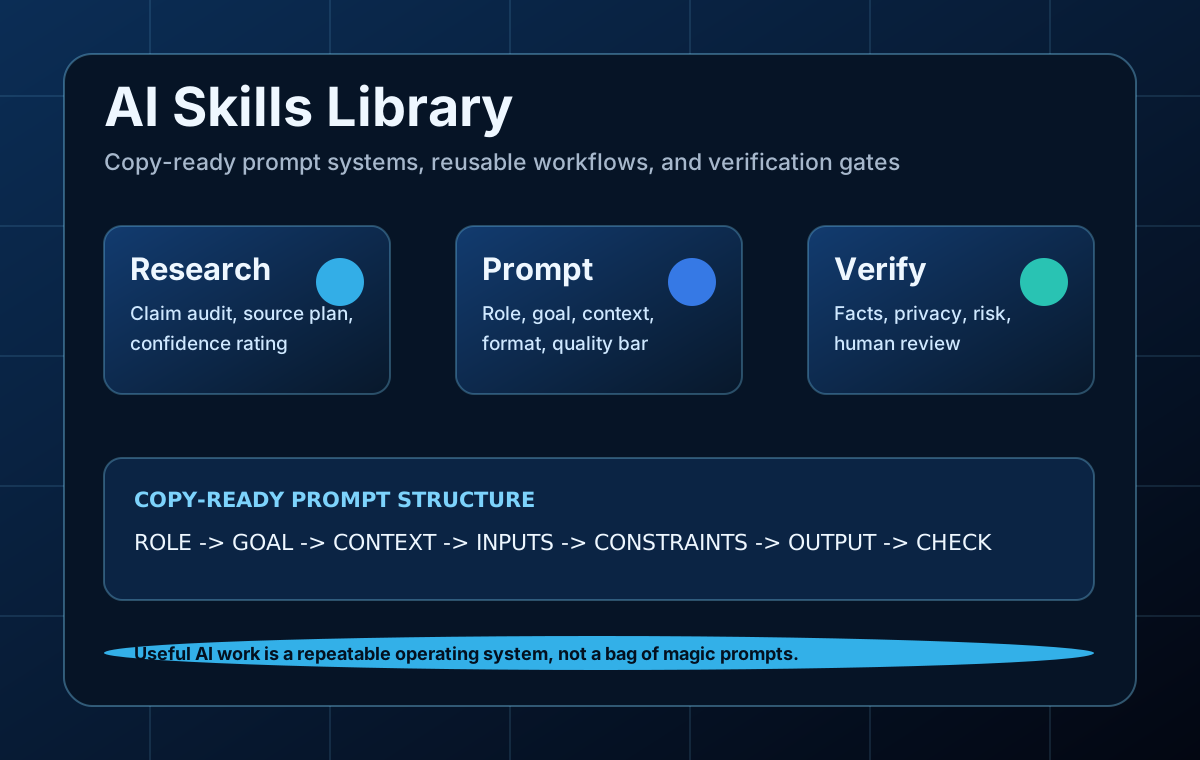
Prompt Playbooks
Practical AI skills readers can copy and reuse.
Open the AI Skills library for copy-ready prompts, research workflows, coding specs, content editing checks, image prompts, video storyboards, and privacy redaction routines.
10 skill cards
9 prompts
Quality checklist
Featured AI websites
Main AI tools readers actually search for.
This is the directory layer of the homepage: major AI products, simple summaries, official routes, and offer notes that help readers check a tool before opening the pricing tab.
Chatbot
ChatGPT
A general-purpose AI assistant for writing, coding help, file analysis, search, and multimodal work.
Free plan available ChatbotClaude
A strong writing and reasoning assistant with long-context workflows, coding support, and projects.
Free plan available Google AIGemini
Google's AI plan ties Gemini into search, Gmail, Docs, Drive, and creative tools like Flow and Whisk.
Try Google AI Pro free for 1 month; student offer for 1 year Office AIMicrosoft Copilot
Microsoft's consumer AI assistant with web, Windows, and Microsoft 365 workflow integration.
Free version available Search AIPerplexity
A search-first assistant focused on sources, research, citations, and quick comparison work.
Pro perks program for eligible US subscribers AI CodingCursor
An AI coding editor for spec-driven workflows, code changes, and agent-assisted development.
Free Hobby plan Image AIMidjourney
A leading image generator for stylized visuals, concept art, and controlled prompt variations.
20% off annual billing Video AIRunway
An AI video and image platform for short clips, storyboards, motion tests, and creator workflows.
Yearly plans show 20% offCreator workflows
Creator workflows that lead to published output.
This block is the bridge between AI curiosity and creator action. It exists to turn search visitors into repeat readers by helping them publish something real.
Create thumbnails, article art, and product visuals
Good creator output starts with a clear image job, a tighter prompt, and a faster review loop.
Storyboard first, generate second
Reduce wasted credits by planning scenes, prompts, and motion before opening a video generator.
Turn one idea into newsletter and social output
Use AI to repurpose ideas, sharpen copy, and keep a consistent publishing rhythm without sounding generic.
Record cleaner voice and podcast content
From short voiceovers to podcast notes, keep pacing, cleanup, and review standards visible.
Comparison lab
Popular comparisons before you upgrade
Comparison pages are where commercial intent becomes useful user intent. Readers come here to avoid the wrong subscription, not to read a generic winner-takes-all verdict.
ChatGPT vs Claude vs Gemini: Beginner Comparison
Learn how to choose between the three major chatbots for daily work with a clear workflow, examples, and beginner mistakes to avoid.
Open comparisonPerplexity vs ChatGPT for Research
Learn how to know when sources matter more than open-ended reasoning with a clear workflow, examples, and beginner mistakes to avoid.
Open comparisonMidjourney vs DALL-E vs Ideogram
Learn how to compare realism, text rendering, style control, and ease of use with a clear workflow, examples, and beginner mistakes to.
Open comparisonRunway vs Pika vs Synthesia
Learn how to compare cinematic clips, quick motion, and avatar videos with a clear workflow, examples, and beginner mistakes to avoid.
Open comparison
What to compare: free tier limits, workflow fit, output quality, speed, and the review burden a beginner will still carry after the tool responds.
Learning paths
Start by use case, not by hype.
Each path connects the directory, category hub, and long-form articles so beginners can move from tool discovery to practical execution.
Build a first AI setup that stays useful
Start with one chatbot, one research assistant, and one productivity workflow before paying for specialist tools.
Move from ideas to publishable assets
Combine image prompts, short video planning, writing systems, and audio cleanup into one practical creator stack.
Ask better questions and verify faster
Use this path if you need sources, structured notes, evidence checks, and fewer expensive false conclusions.
Use AI coding without losing control
Clarify the task, keep scope small, verify output, and rely on tests instead of accepting every suggestion.
Signal watch
This week's AI signals worth tracking.
High-traffic AI sites earn repeat visits by explaining what changed and why it matters. These fresh signal articles translate launches, pricing moves, and model news into workflow-level meaning.
OpenAI on Accidental Chain-of-Thought Grading
Benchmark headlines deserve skepticism when evaluation design accidentally rewards leaked reasoning instead of genuine task performance.
Teaching Claude the Why: A Better Safety Alignment Story
Alignment stories become product stories when they improve explanation quality and reduce policy whiplash in ambiguous tasks.
China's AI Device Standard: What L1-L4 Intelligence Means
Device intelligence standards matter only if they turn vague hardware AI claims into capabilities buyers can actually compare.
OpenRouter Human Review: A Safer Pattern for Agents
Human review hooks matter when agents can touch tools and files, but only if approval happens at the right risk points.
Offer watch
Current free trials and discount signals.
These are short discovery notes, not guarantees. The page links to official pricing pages so readers can verify before paying.
Topic clusters
Built around search intent and real tasks.
The structure mirrors proven AI directory and editorial patterns: category hubs, tool comparisons, beginner tutorials, prompt libraries, mistake checklists, and disclosure pages.
Chatbots
AI Chatbots
writing, reasoning, file analysis, planning, and everyday assistant work.
ResearchAI Research
source discovery, fact-checking, literature scans, and research briefs.
ImageAI Image Generation
prompt design, thumbnails, product concepts, illustrations, and brand visuals.
VideoAI Video Generation
short clips, explainers, avatar videos, captions, and storyboard-led production.
DesignAI Design
social posts, decks, landing graphics, brand kits, and non-designer production.
ProductivityAI Productivity
notes, meetings, automations, task systems, and team operating workflows.
WritingAI Writing
blog posts, newsletters, ads, editing, brand voice, and content planning.
CodingAI Coding
coding help, debugging, code explanation, tests, and beginner programming workflows.
AudioAI Audio and Voice
voiceovers, transcription, podcasts, music sketches, and audio cleanup.
MarketingAI Marketing
SEO, social media, ads, funnels, analytics, and campaign planning.
Editor's toolkit
What every page gives the reader.
This site is built to avoid thin AI content. The useful details are visible on every long-form article, so the reader knows how to act.
Decision tables
Compare tools by task, trade-off, and beginner risk instead of brand popularity.
Prompt briefs
Reusable role, goal, input, context, output format, and review-standard prompts.
AI Skills
Copy-ready prompt playbooks turn useful workflows into repeatable systems readers can apply immediately.
Field notes
Community-inspired workflow lessons translated into original English guidance.
Quality checks
Source verification, privacy notes, affiliate disclosure, and publish-ready checklists.
Featured library
Start with the highest-intent guides.
These pages target durable searches: best tools, alternatives, comparisons, tutorials, prompt examples, and beginner workflows.
Guide
AI Productivity
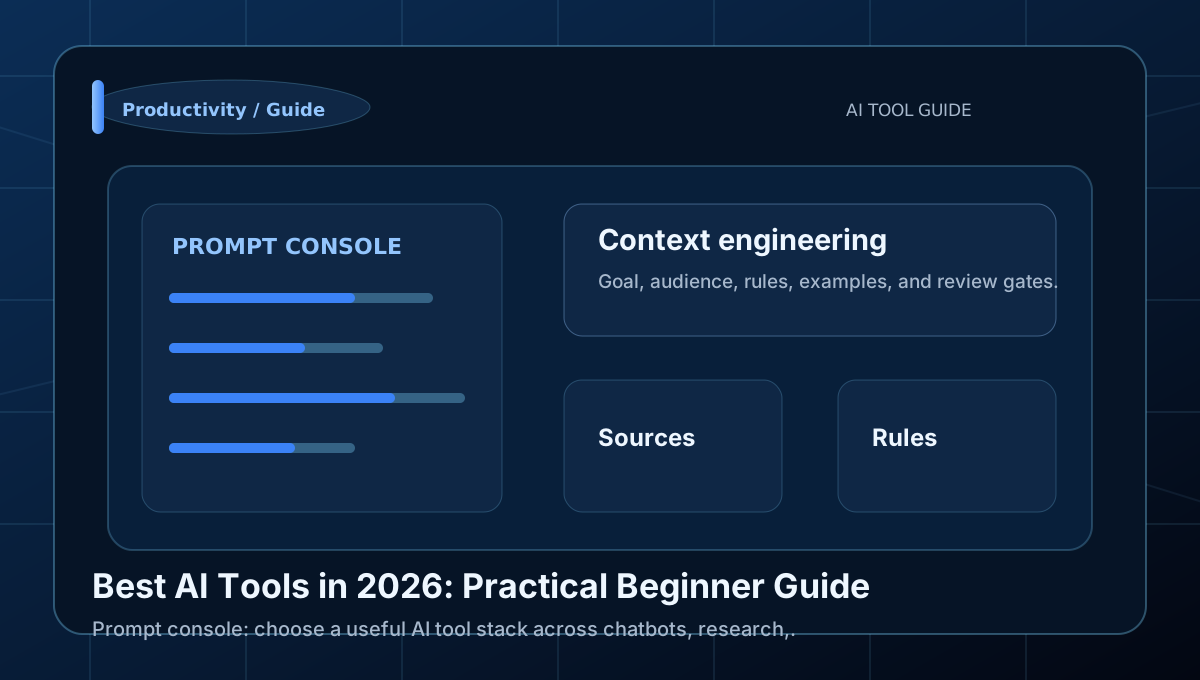
Best AI Tools in 2026: Practical Beginner Guide
Learn how to choose a useful AI tool stack across chatbots, research, images, video, design, and productivity with a clear workflow,.
Comparison
AI Chatbots
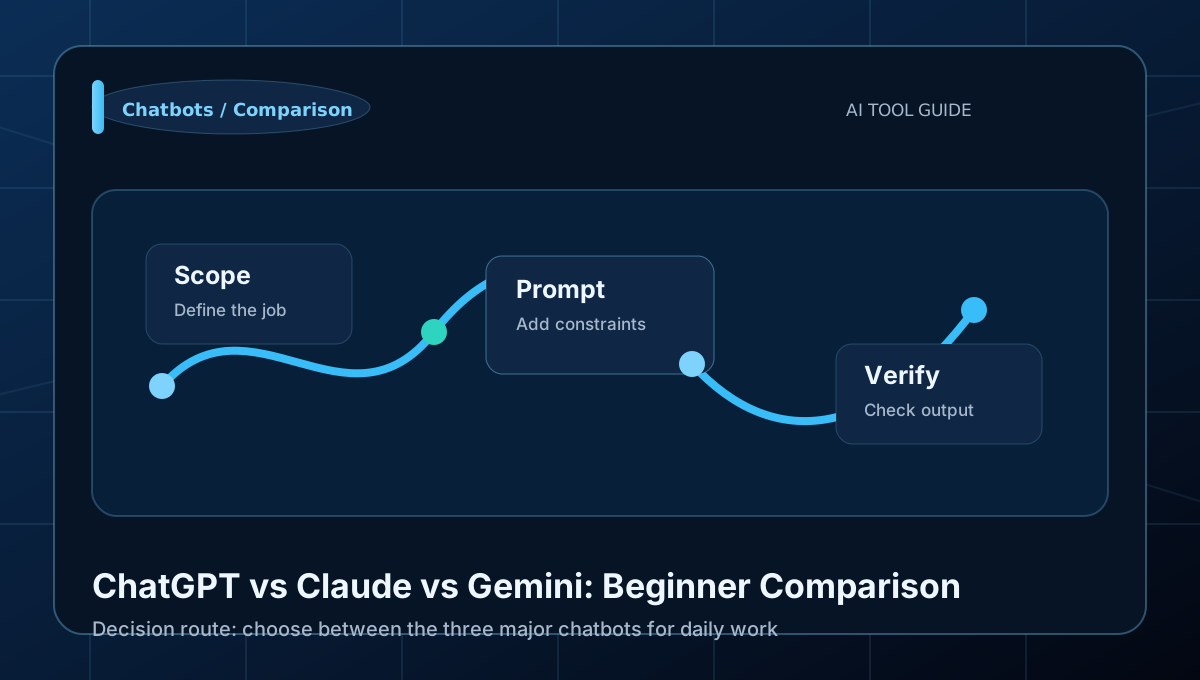
ChatGPT vs Claude vs Gemini: Beginner Comparison
Learn how to choose between the three major chatbots for daily work with a clear workflow, examples, and beginner mistakes to avoid.
Workflow
AI Research
Perplexity AI Research Workflow: Beginner Guide
Learn how to move from a question to a source-backed brief with a clear workflow, examples, and beginner mistakes to avoid.
Prompting
AI Image Generation
Midjourney Prompt Guide for Beginners
Learn how to control subject, style, lighting, and composition with a clear workflow, examples, and beginner mistakes to avoid.
Tutorial
AI Video Generation
Runway AI Video Guide for Beginners
Learn how to create short clips with storyboard-first planning with a clear workflow, examples, and beginner mistakes to avoid.
Workflow
AI Design
Canva AI Design Workflow for Beginners
Learn how to turn a short brief into polished practical assets with a clear workflow, examples, and beginner mistakes to avoid.
Guide
AI Writing
Best AI Writing Tools: Practical Beginner Guide
Learn how to choose writing tools by content type and workflow with a clear workflow, examples, and beginner mistakes to avoid.
Comparison
AI Video Generation
Best AI Video Generators: Beginner Comparison
Learn how to choose video tools by clip type and budget with a clear workflow, examples, and beginner mistakes to avoid.

Comparison
AI Research
Perplexity vs ChatGPT for Research
Learn how to know when sources matter more than open-ended reasoning with a clear workflow, examples, and beginner mistakes to avoid.
Comparison
AI Image Generation
Best AI Image Generators: Beginner Comparison
Learn how to choose an image tool for different visual jobs with a clear workflow, examples, and beginner mistakes to avoid.
Comparison
AI Image Generation
Midjourney vs DALL-E vs Ideogram
Learn how to compare realism, text rendering, style control, and ease of use with a clear workflow, examples, and beginner mistakes to.
Comparison
AI Video Generation
Runway vs Pika vs Synthesia
Learn how to compare cinematic clips, quick motion, and avatar videos with a clear workflow, examples, and beginner mistakes to avoid.
Latest updates
Newest AI workflow articles.
This block is fed by the modular article data file, so the homepage can surface newly added daily articles after one rebuild.
Comparison
AI Audio and Voice
AI Music Generation: 2026 Landscape
Music generation AI works for sketches and drafts, professional production needs refinement.
Guide
AI Audio and Voice
AI Voice Cloning: Ethics and Best Practices
Voice cloning requires careful ethical consideration and consent.
Guide
AI Audio and Voice
AI Podcast Production: 2026 Guide
Podcast AI helps with editing and production, content needs human direction.
Guide
AI Audio and Voice
Cartesia Sonic 3.5: Real-Time Voice AI
Real-time voice AI shows promise but needs latency and quality testing.
Guide
AI Coding
AI-Assisted Open Source Contribution
Open source AI helps with code quality, community interaction needs humans.
Guide
AI Coding
AI Security Code Review Guide
Security AI helps with pattern detection, threat assessment needs expertise.
Comparison
AI Coding
AI Mobile Development Tools 2026
Mobile dev AI helps with code generation, UX design needs human insight.
Guide
AI Coding
AI DevOps Automation Guide
DevOps AI helps with routine tasks, architecture decisions need expertise.
Tutorial
AI Coding
AI Database Design Assistance
Database AI helps with patterns, performance tuning needs domain expertise.
Guide
AI Coding
AI Testing Automation Guide
Testing AI helps with test generation, test strategy needs human expertise.
Return faster
Save the useful parts and come back with context.
Return features matter more after the reader has found value. This block combines RSS, saved guides, and reading continuity so the homepage can become a working dashboard on repeat visits.
Follow
Subscribe without giving up your inbox.
Use the feed for fresh guides, then save the homepage locally so returning readers can jump back into the library in one click.
Saved guides
Build a shortlist worth revisiting.
When a reader saves an article, it appears here on the next visit so the homepage becomes a working dashboard instead of a one-time landing page.
No saved guides yet. Open an article and use the Save article button to start a private shortlist in this browser.
Continue reading
Pick up where you left off.
Recent reading history turns the homepage into a return surface, especially when the site adds new daily guides and comparison pages.
No recent reading history yet. Open a guide and it will appear here automatically.
Trust and monetization
Monetization roadmap without weakening trust.
Monetization should trail usefulness, not replace it. Build search-worthy pages first, then add transparent monetization layers that do not weaken editorial trust.
1
Publish helpful clusters
Keep the 100-page structure organized around real search intent and practical tasks.
2
Add compliant ads
Use reserved placements only after the site has policies, traffic, and original value.
3
Layer affiliate pages
Disclose relationships, link to official pricing, and explain who should skip each tool.
4
Update offers
Review pricing pages regularly so trial and discount notes do not become stale.
Reserved responsive ad placement